
Click Orders in the top nav top be brought to a list of orders. This is sorted by order date, beginning with most recent.
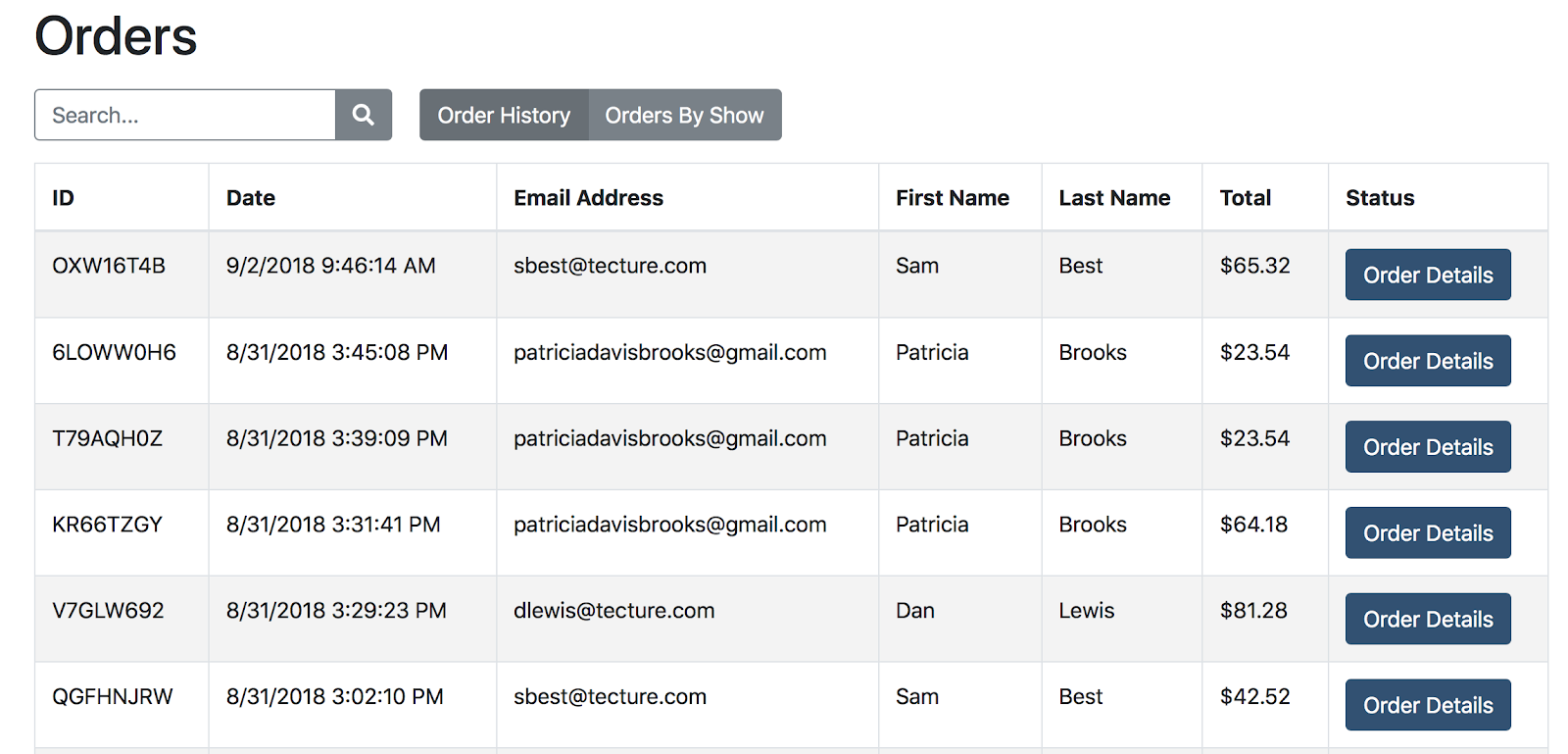
- Refunds and new email receipts can be issued by clicking the Order Details button next to the order. You can also send the receipt to a different email by entering it into the box before clicking “Send Email Receipt”.
- Orders By Show gives you a snapshot of the sales from each show.
- Clicking the linked name of the show takes you to a list of orders for that show. It also gives you a link to manage tickets (1) and view will call (2)


